In This Help TopicBlueStep OverviewThis is a brief overview of some of the different features offered by BlueStep. BlueStep Page Header
The facility name will be displayed on the left. When clicked, the "Alerts" button will display all of the general alerts throughout the facility. The "Facility" dropdown can be used to navigate to different pages in the system, including other facilities if there are any. The "User" dropdown contains a link to the user's account and a link to log out. BlueStep Page NavigationThe amount of tabs on the page navigation will depend on the BlueStep package running on the system. For example, the "Marketing" tab only appears with ManagePro (formerly EDGE) clients. 
The "HR" tab has links to add staff, edit staff records etc. The "Providers/Vendors" tab has links to add providers such as dentists, doctors, pharmacies, etc. The "Marketing" tab has links to add and manage leads and potential residents. The "Resident" tab has links to comprehensive resident records. The "Charting" tab has links to easily chart medications and ADLs. The "Community" tab has links pertaining to the community setup process. The "Reports" tab has links to different reports. BlueStep DashboardThe BlueStep dashboard is customizable. 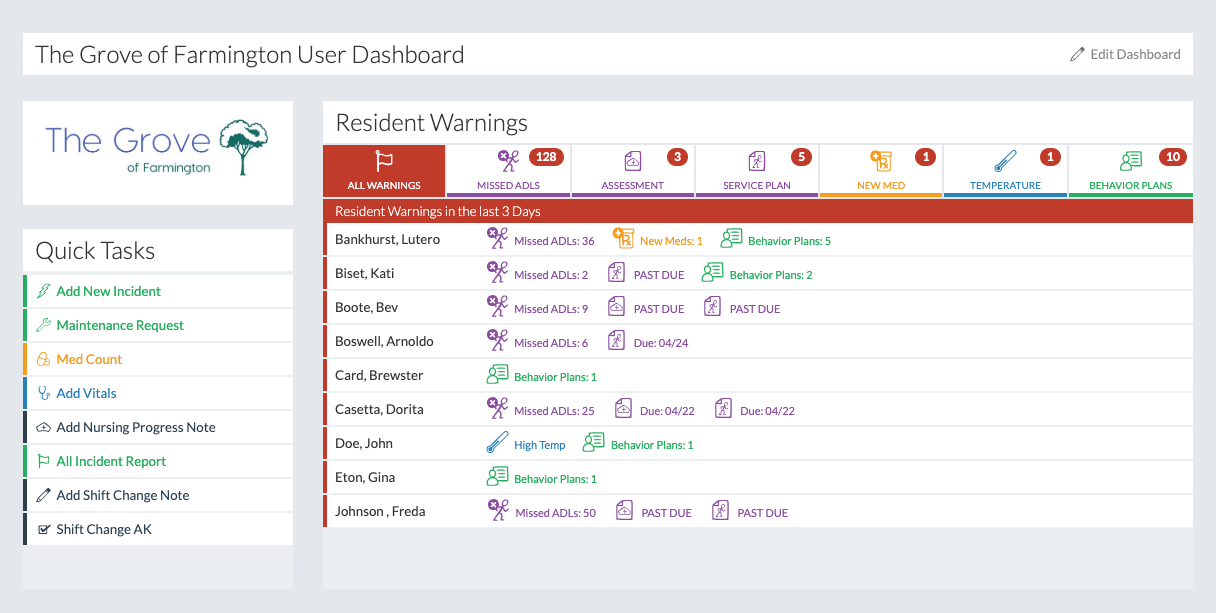


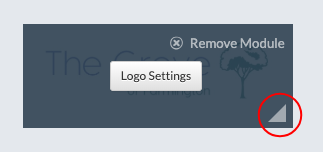

A logo can be added. The "Quick Tasks" module contains personalized links to specific reports or actions. 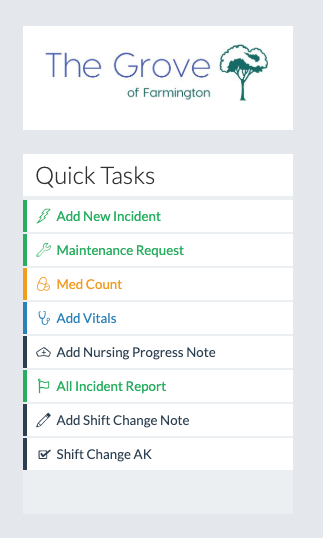
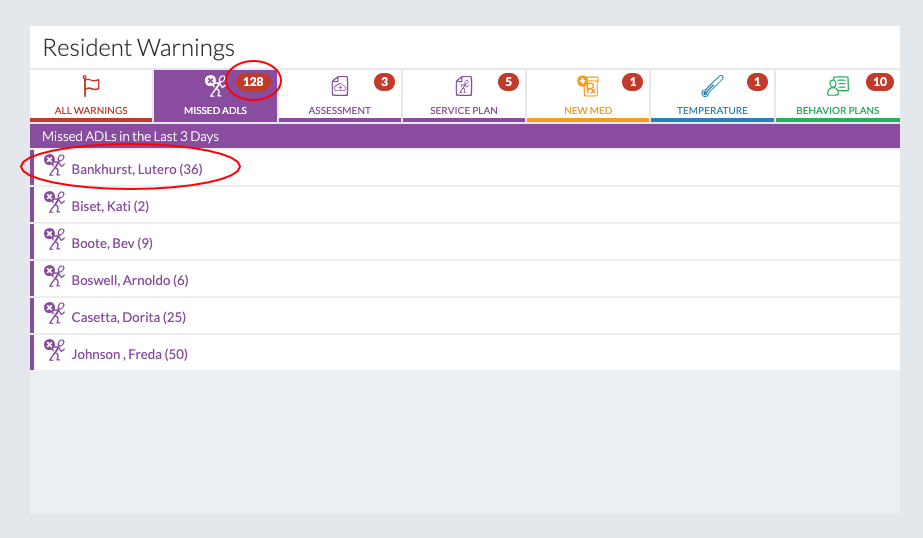
The "Resident Alerts" module shows all the alerts triggered throughout the facility. 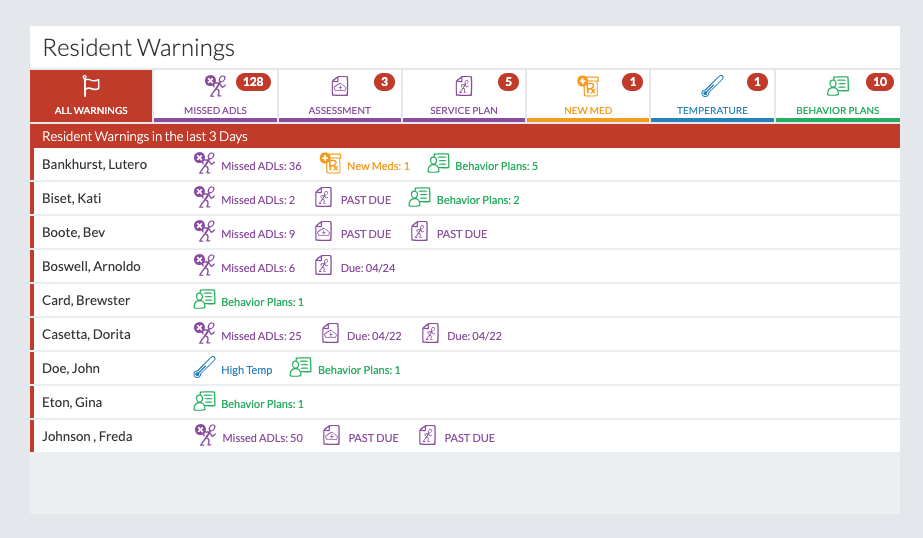
Other types of modules display their respective information. 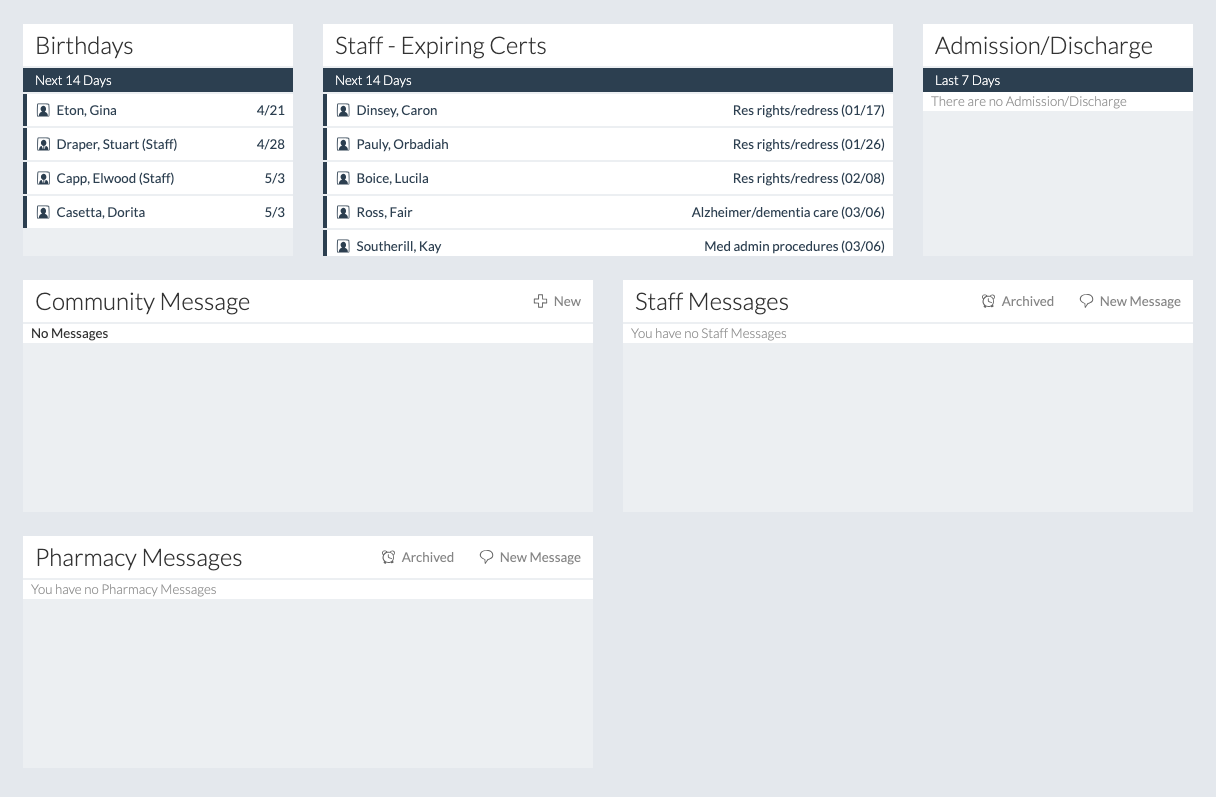
Charting DashboardThe Charting dashboard looks and works the same way as the BlueStep dashboard, for exception of the Charting navigation. 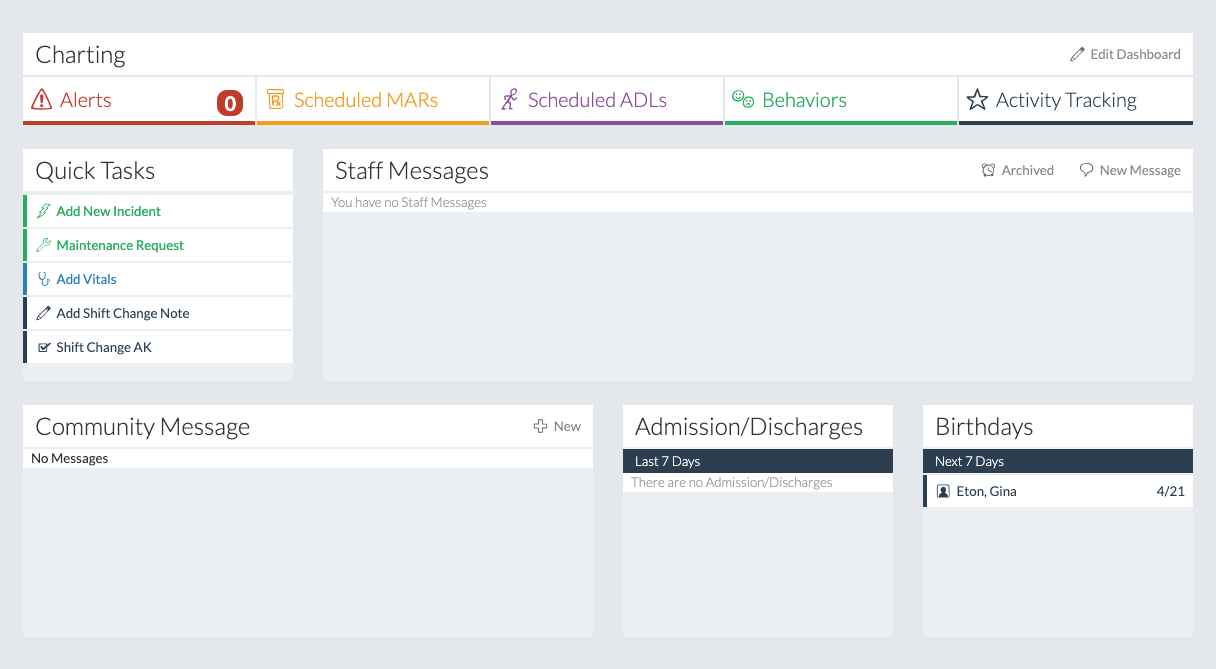

|