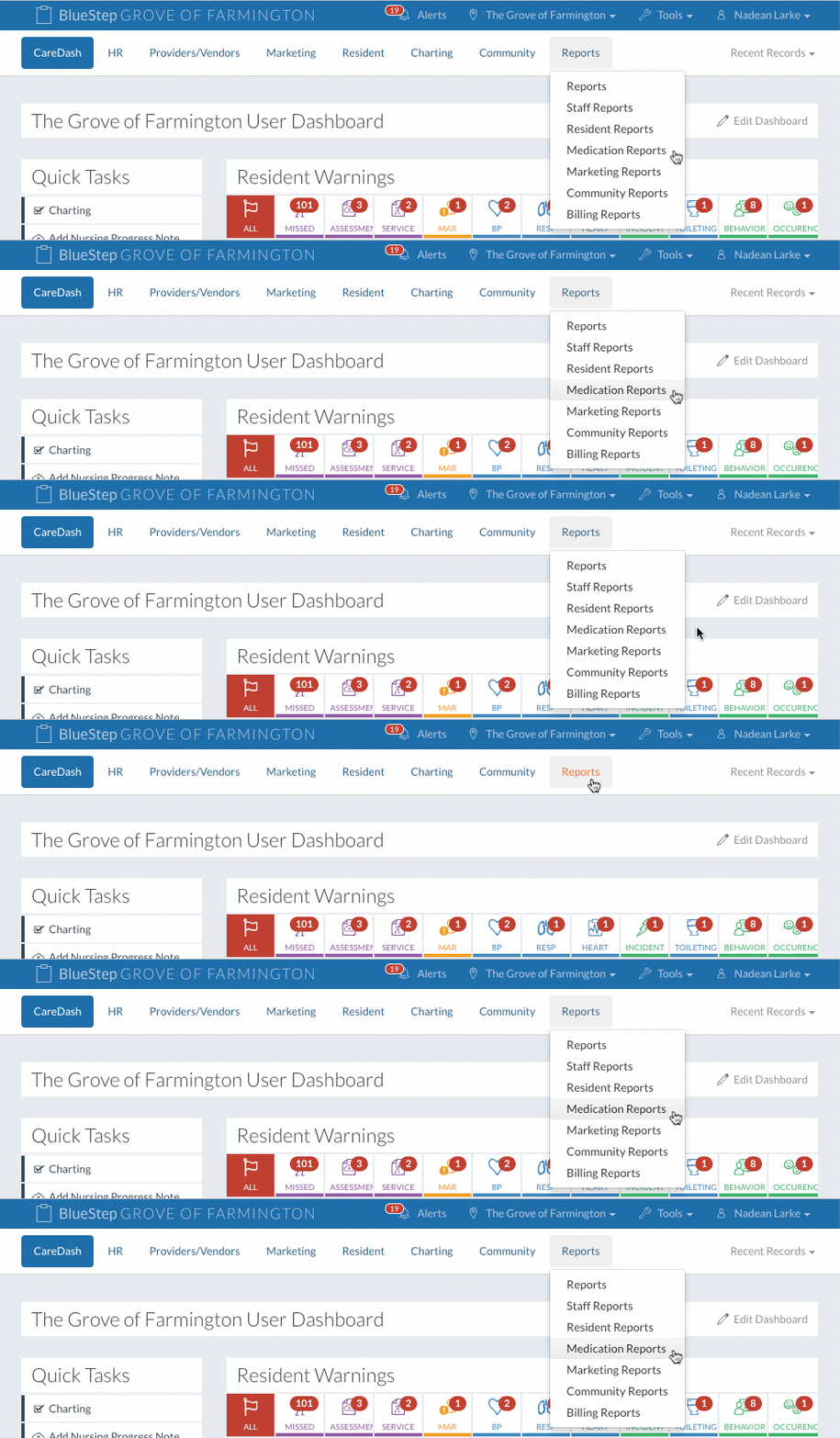
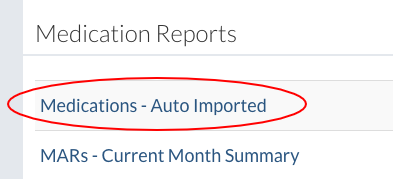
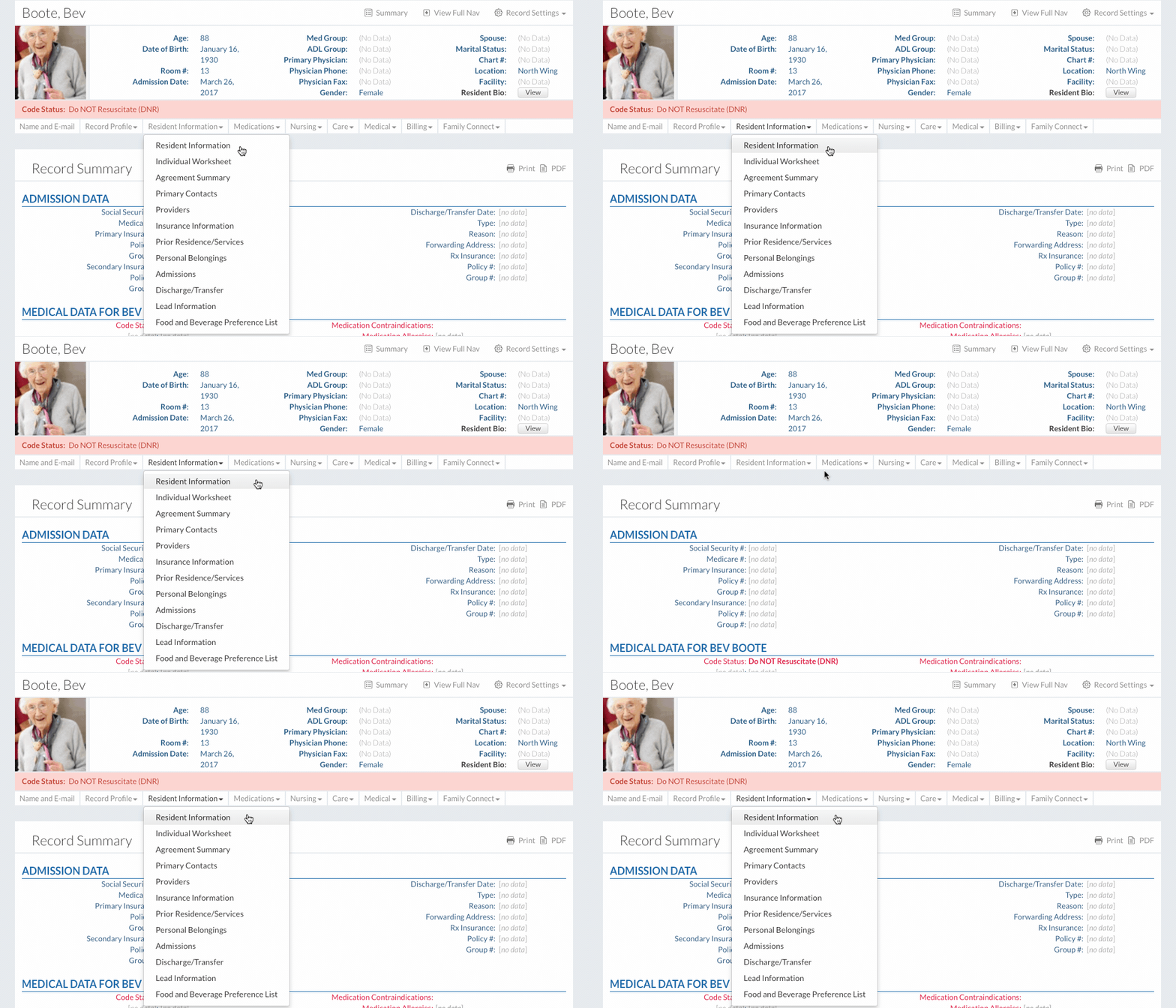
In This Help TopicMedications Awaiting ApprovalHow to match patient record numbers and accept medications from an established pharmacy integration. Link a Resident with a Pharmacy
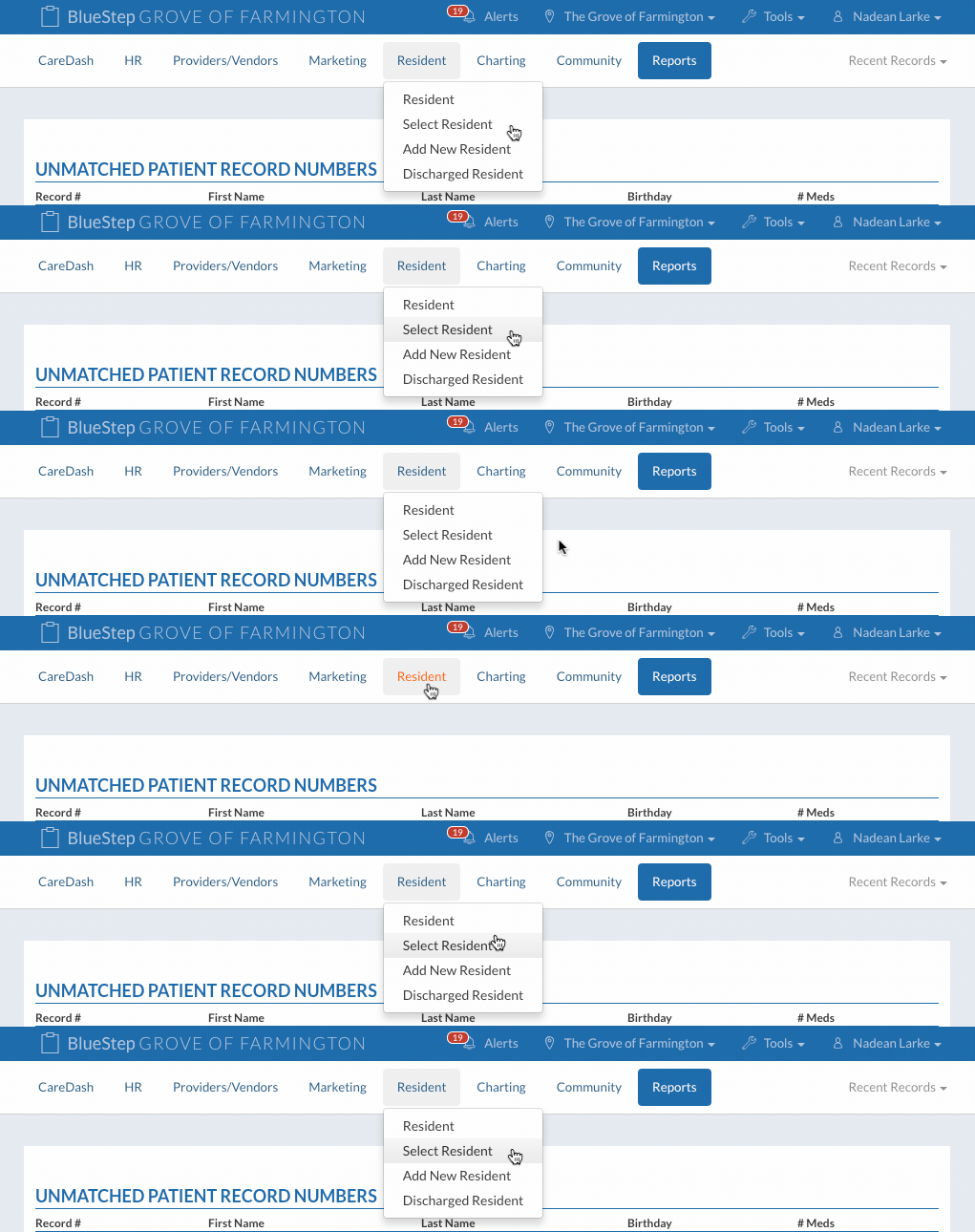
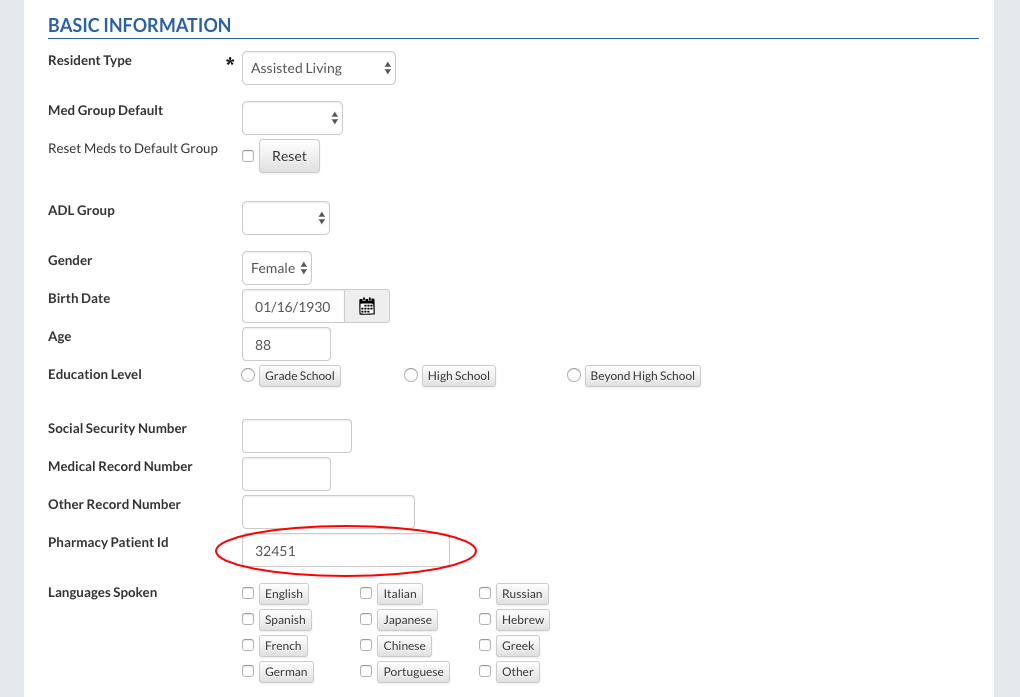
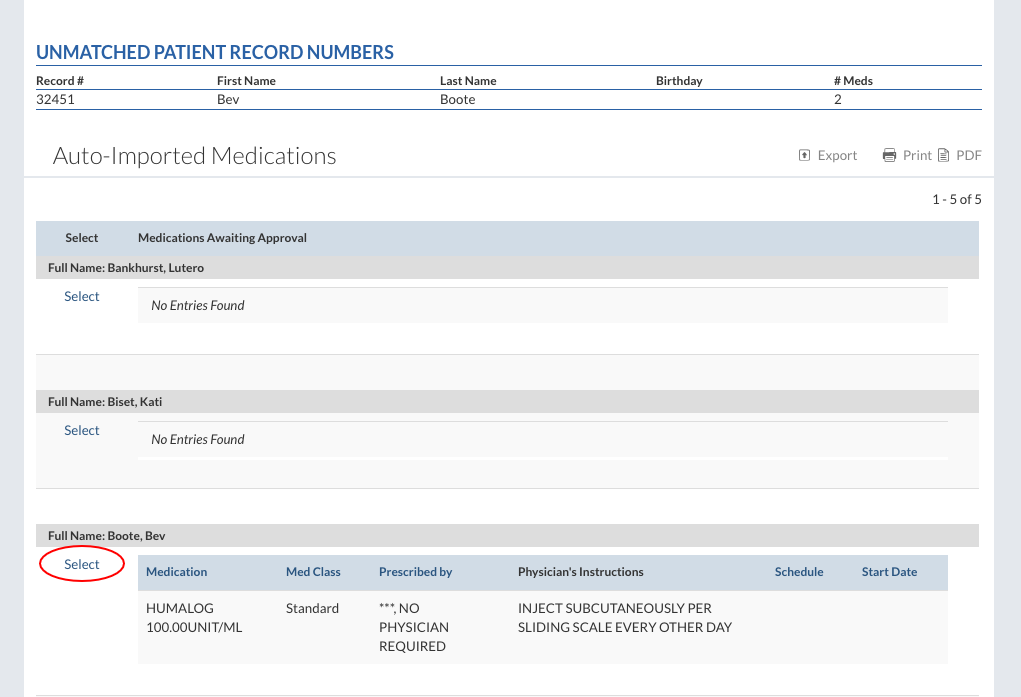
Under the “Unmatched Patient Record Numbers” header there is a list of residents. Each resident has a record number in the “Record #” column.
Approve Medications
Once all the unmatched records have been matched up the resident and their medications will be listed on this report.
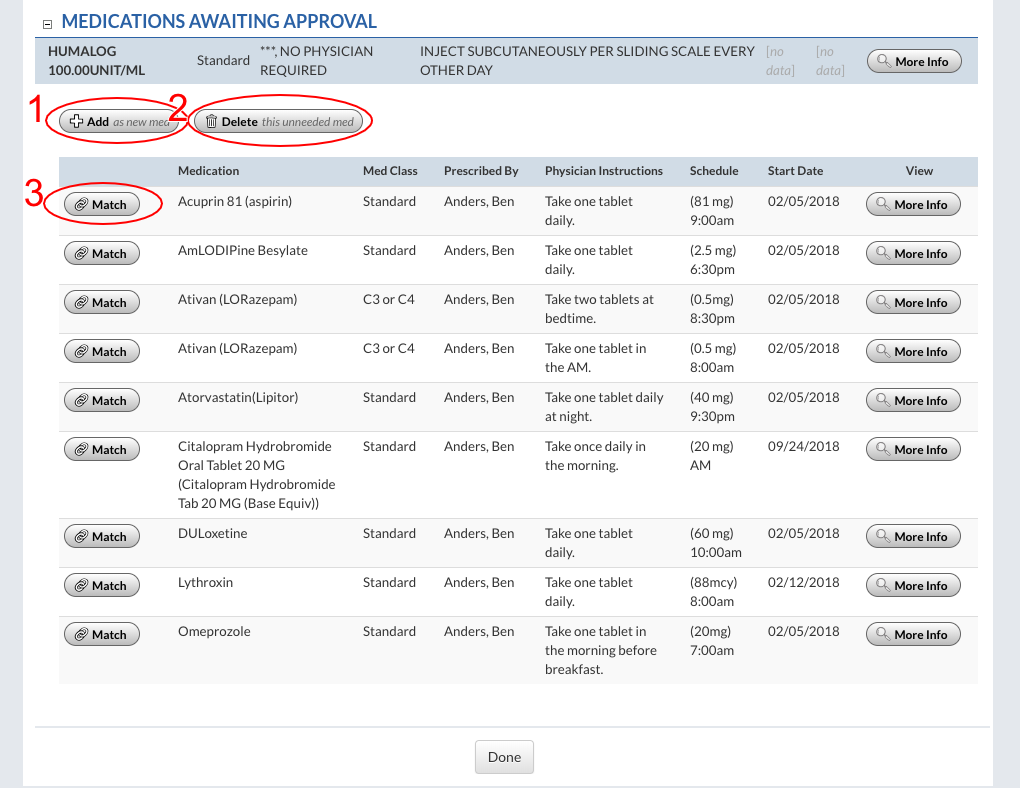
When the medication is selected there are three options: add as a new medication, delete the medication, and match. Selecting to match the medication will match it up with an existing medication that was manually entered.
If “Add as new med” is selected, then many of the fields will have already been filled out through the pharmacy interface. Review the medication order and save. Upon returning to the “Auto-Imported Medications” report, only the medications needing approval will display. The approved medications will no longer show. |