How to Order Medications
How to Order Medications from BlueStep's MAR
Set Up Ordering Medications on MAR
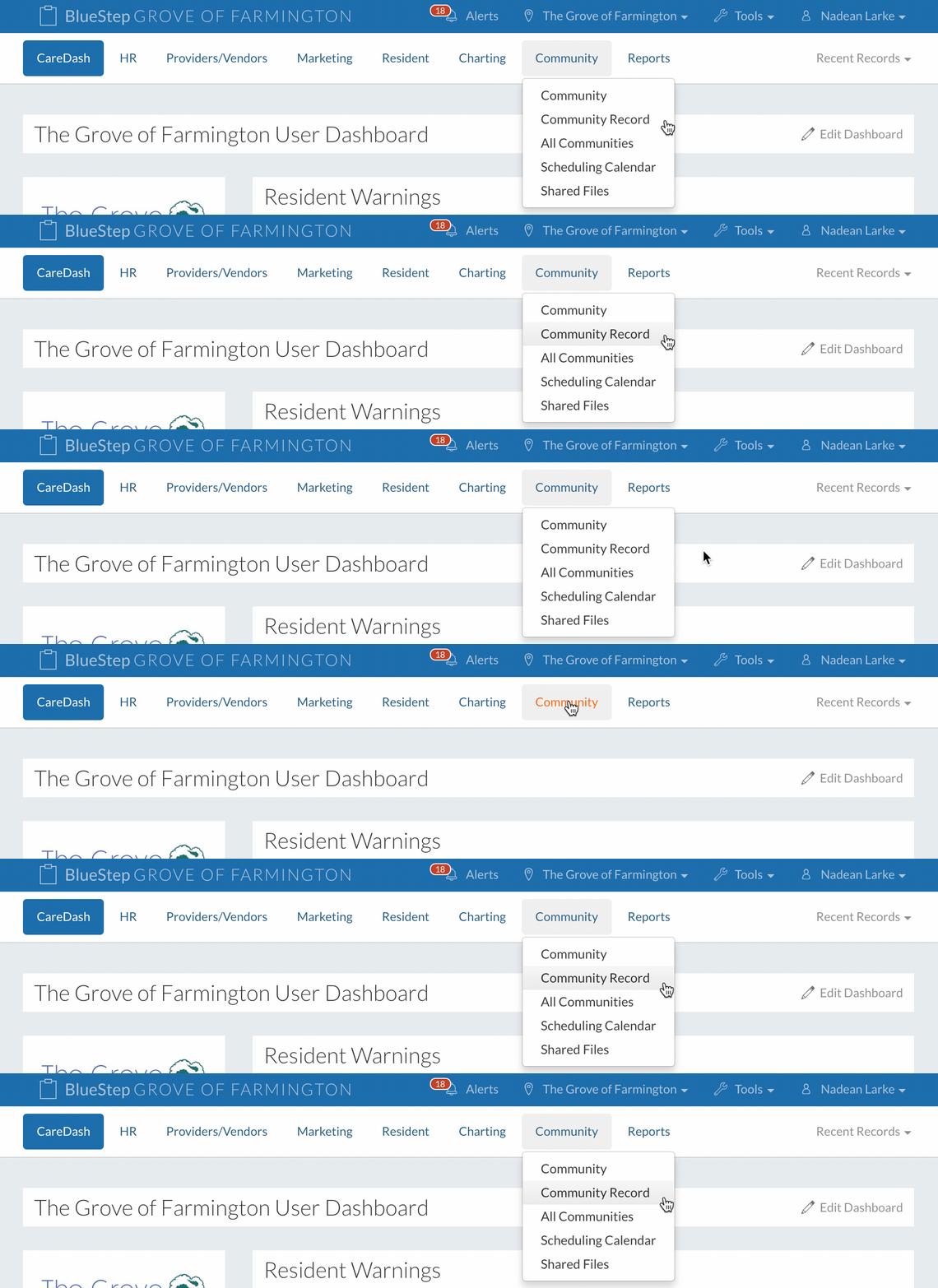
- Click on “Community Record” under the “Community” tab.
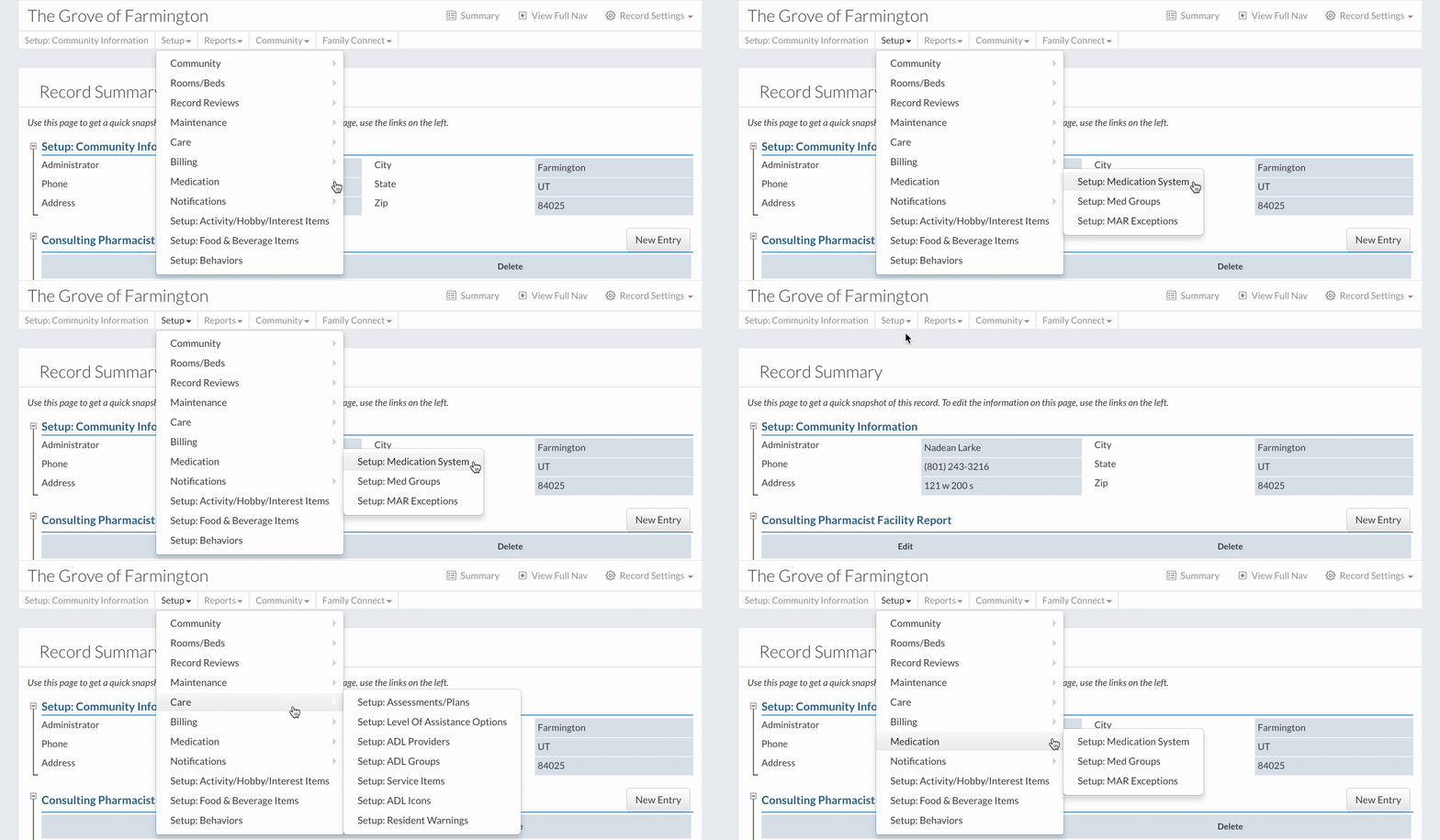
- Click on “Setup: Medication System” under “Medication” in the “Setup” dropdown.
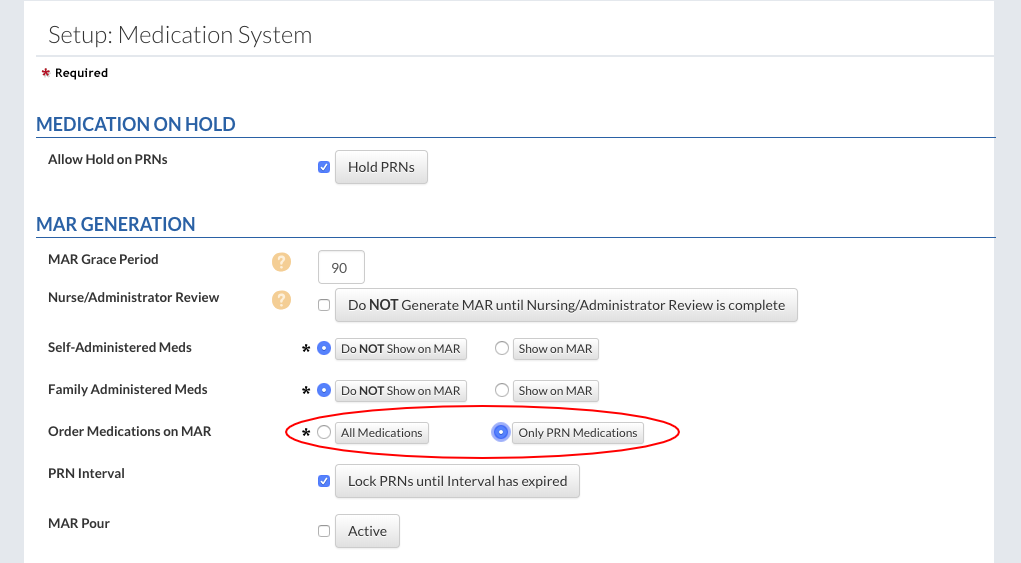
- Ordering medications on MARs can be done for all medications or only PRN medications, depending on the selection.
- Click the “Save” button to finish.
Order a Medication
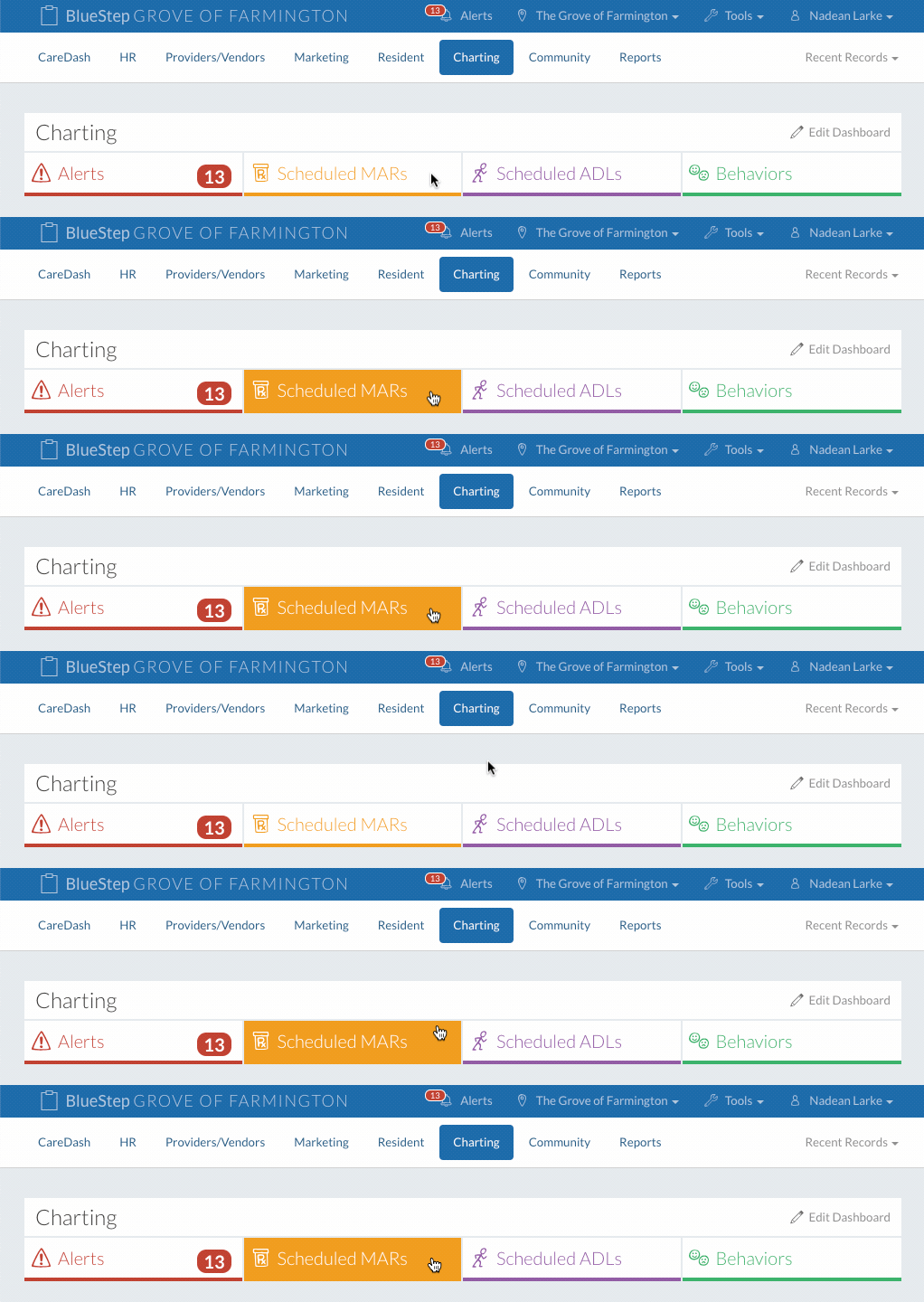
- Click on the “Scheduled MAR” tab.
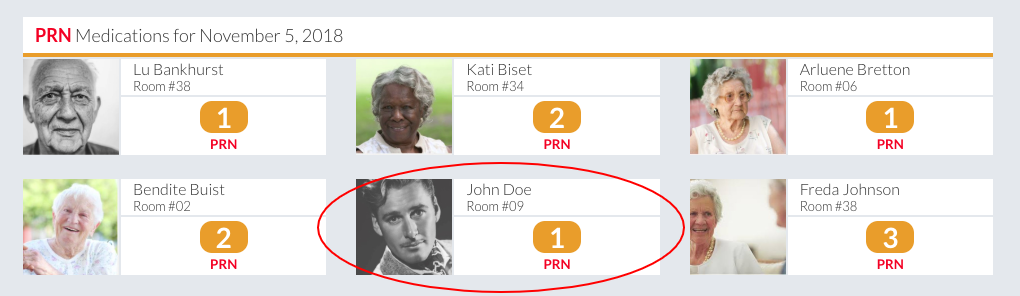
- Select the resident who needs medications ordered.
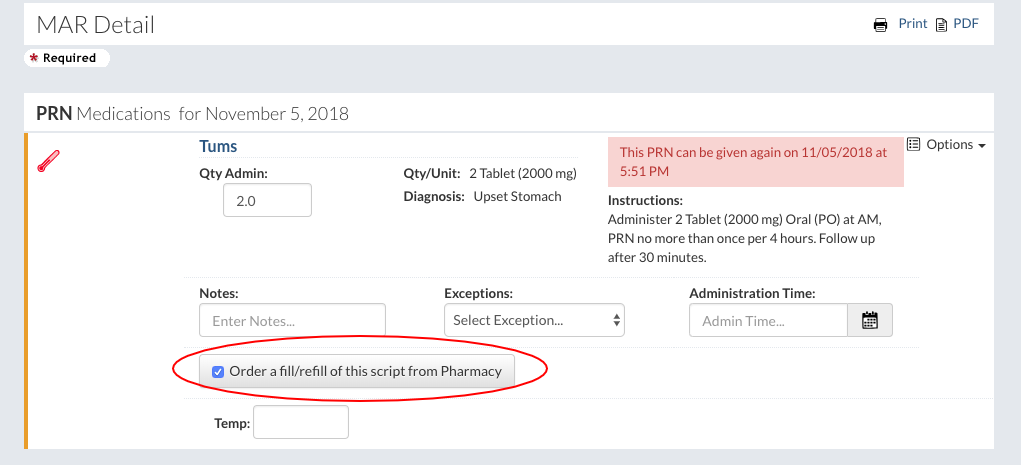
- Under the “Options” dropdown, select the “Order a fill/refill of this script from Pharmacy” button.
- Click the “Save” button to finish.
- Note: An estabished integration with your pharmacy is needed to succesfully use this feature.