Login

Non-Pharmaceutical Interventions on the MAR

Add Non-Pharmaceutical Interventions to the MAR for staff acknowledgment and tracking. Reporting available to track and view interventions that have been documented.

Enable Non-Pharmaceutical Interventions

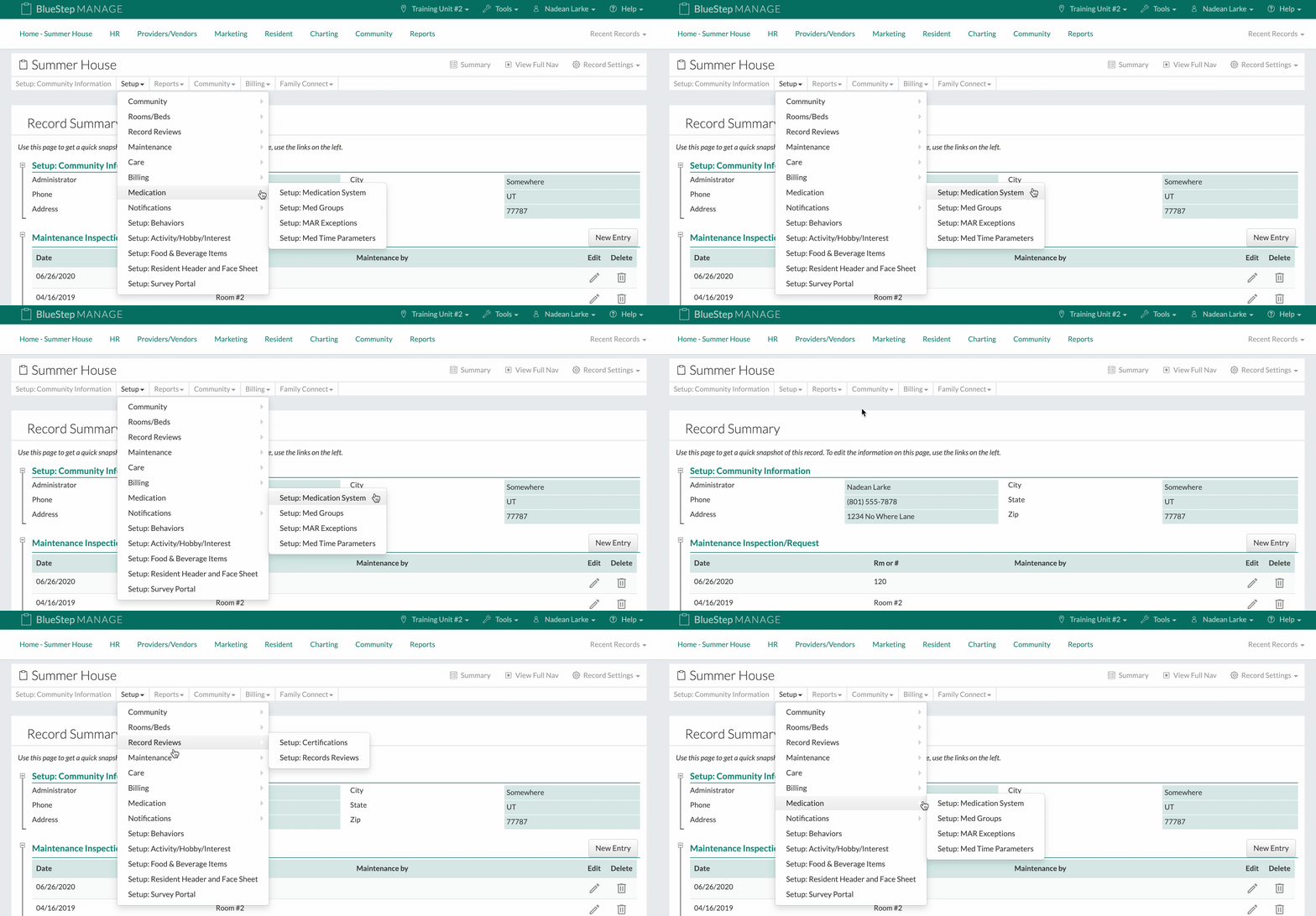
  1. Click on "Community Record" under the "Community" tab.
  2. Click on "Setup: Medication System" under "Medication" under the "Setup" dropdown.
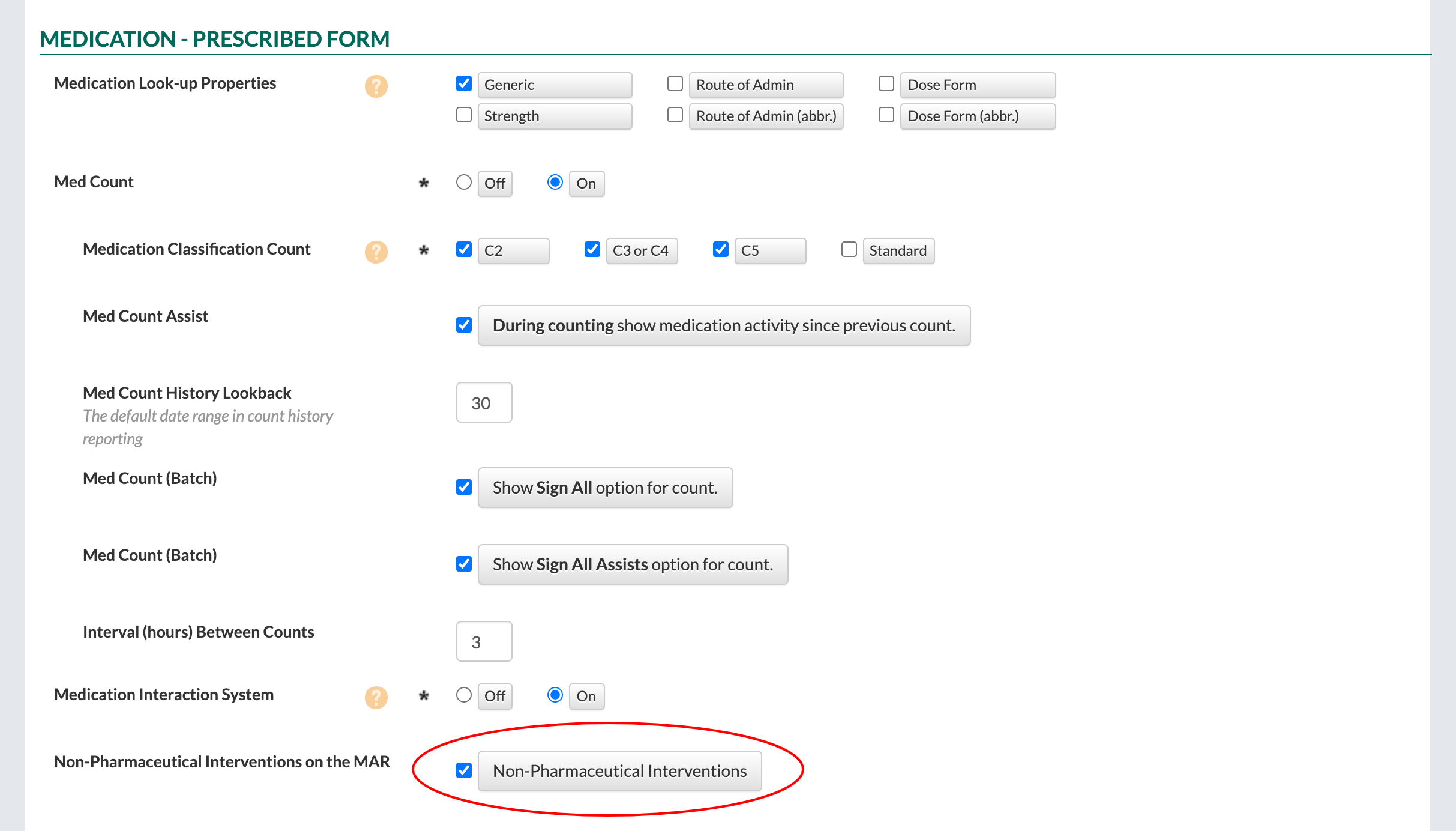
  3. Select the "Non-Pharmaceutical Interventions" button in the "Non-Pharmaceutical Interventions on the MAR" field under the "Medication - Prescribed Form" section of the form.
  4. Click the "Save" button to finish.

Add a Non-Pharmaceutical Intervention to a New Medication

  1. Click on "Select Resident" under the "Resident" tab.
  2. Select a resident.
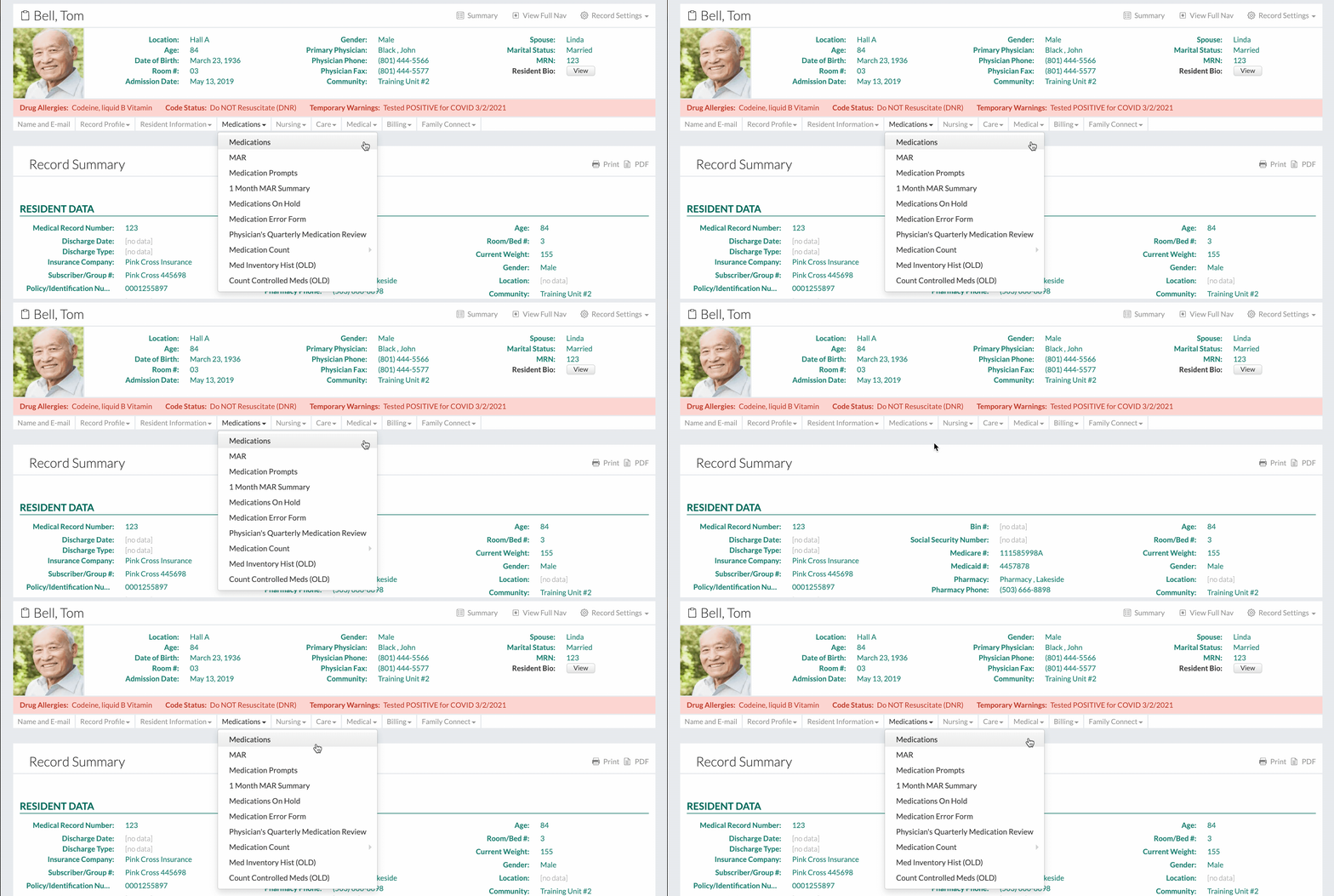
  3. Click on "Medications" under the "Medications" dropdown.
  4. Click on the "New Entry" button to add a new medication.
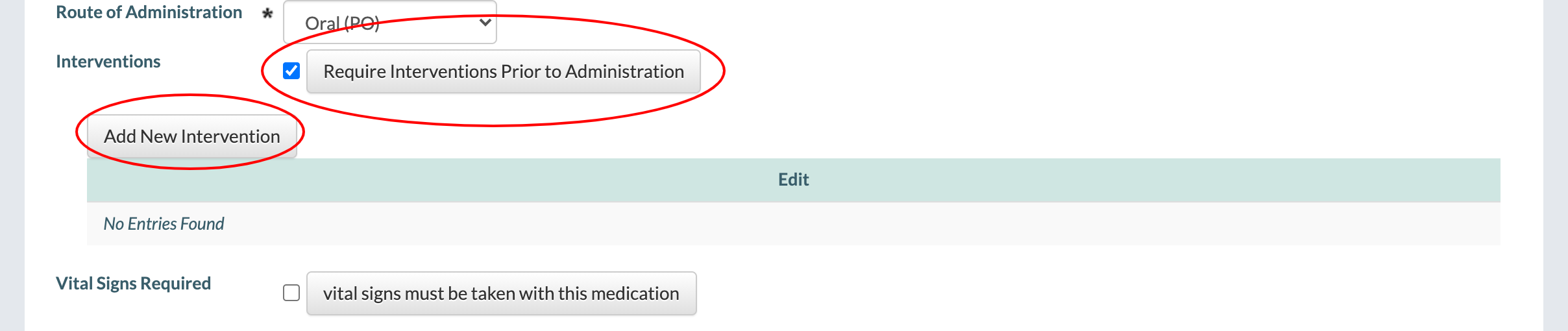
  5. Select the "Require Interventions Prior to Administration" button in the "Interventions" field.
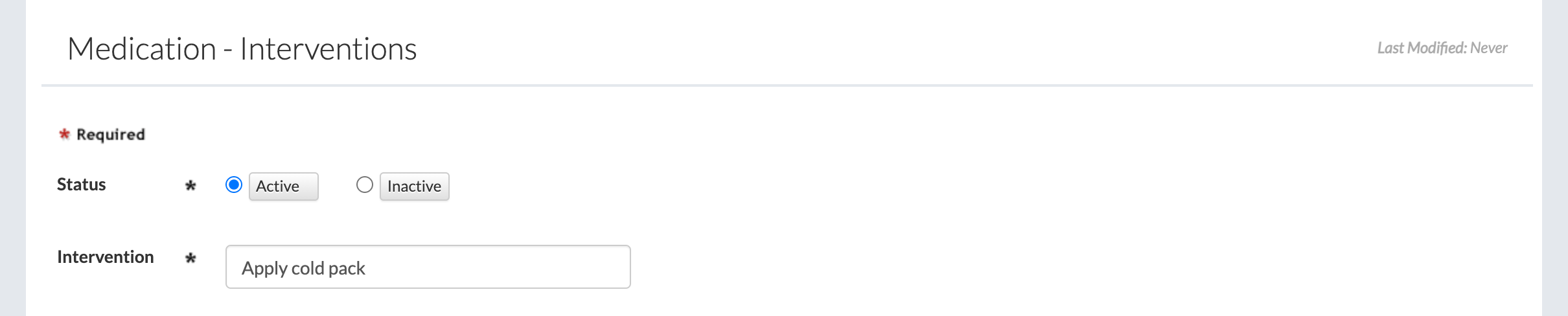
  6. To add a new intervention to the medication, click on the "Add New Intervention" button.
  7. Fill out the form.
    • The "Intervention" field is a free-text field, meaning anything can be typed into it.
    • Click the "Save" button to save the intervention.
    • Note that more than one intervention can be added to a medication if needed.
  8. Click the "Save" button to finish.

Add a Non-Pharmaceutical Intervention to an Existing Medication
  1. Click on "Select Resident" under the "Resident" tab.
  2. Select a resident.
  3. Click on "Medications" under the "Medications" dropdown.
  4. Select a medication.
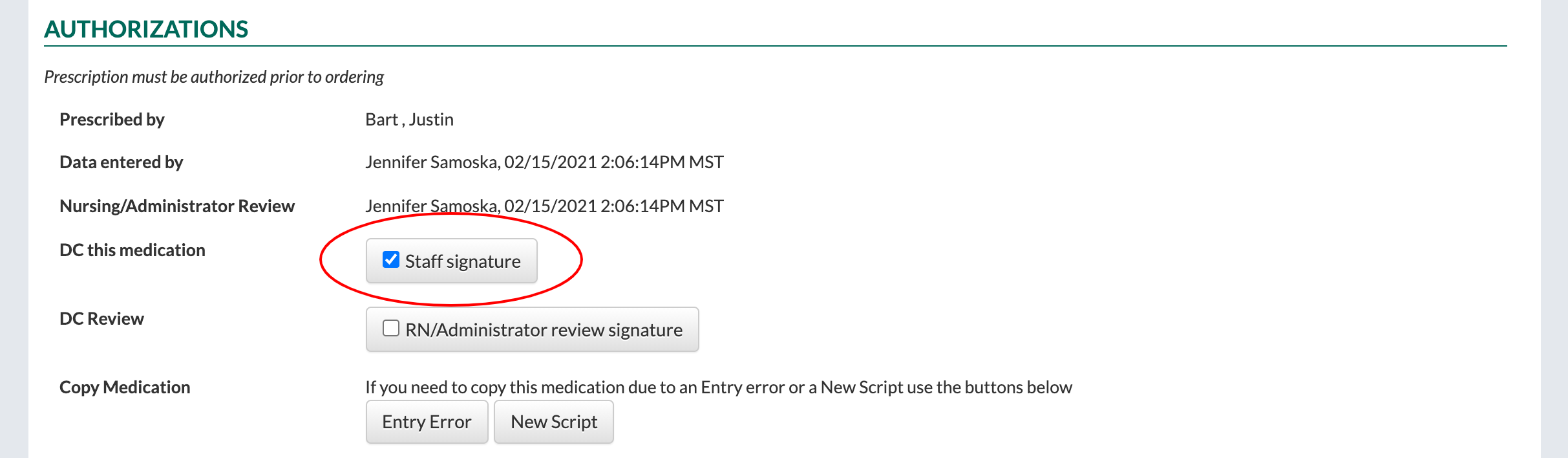
  5. At the bottom of the form, select the "Staff Signature" button in the "DC this medication" field.
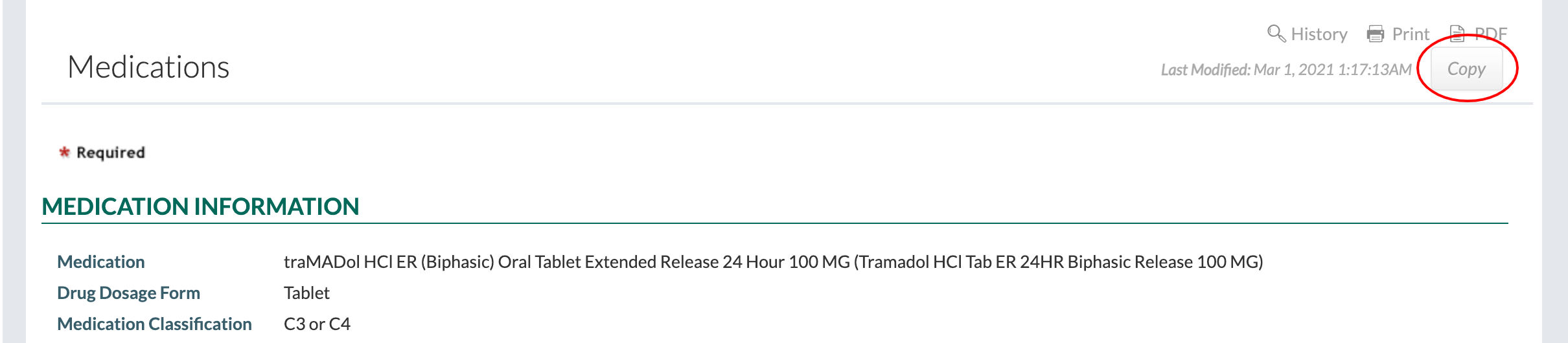
  6. At the top right of the form, click on the "Copy" button to copy the information from the medication to a new medication. This will enable non-pharmaceutical interventions for the medication.
  7. Select the "Require Interventions Prior to Administration" button in the "Interventions" field.
  8. To add a new intervention to the medication, click on the "Add New Intervention" button.
  9. Fill out the form.
    • The "Intervention" field is a free-text field, meaning anything can be typed into it.
    • Click the "Save" button to save the intervention.
    • Note that more than one intervention can be added to a medication if needed.
  10. Click the "Save" button to finish.

View Non-Pharmaceutical Interventions on the Charting Site
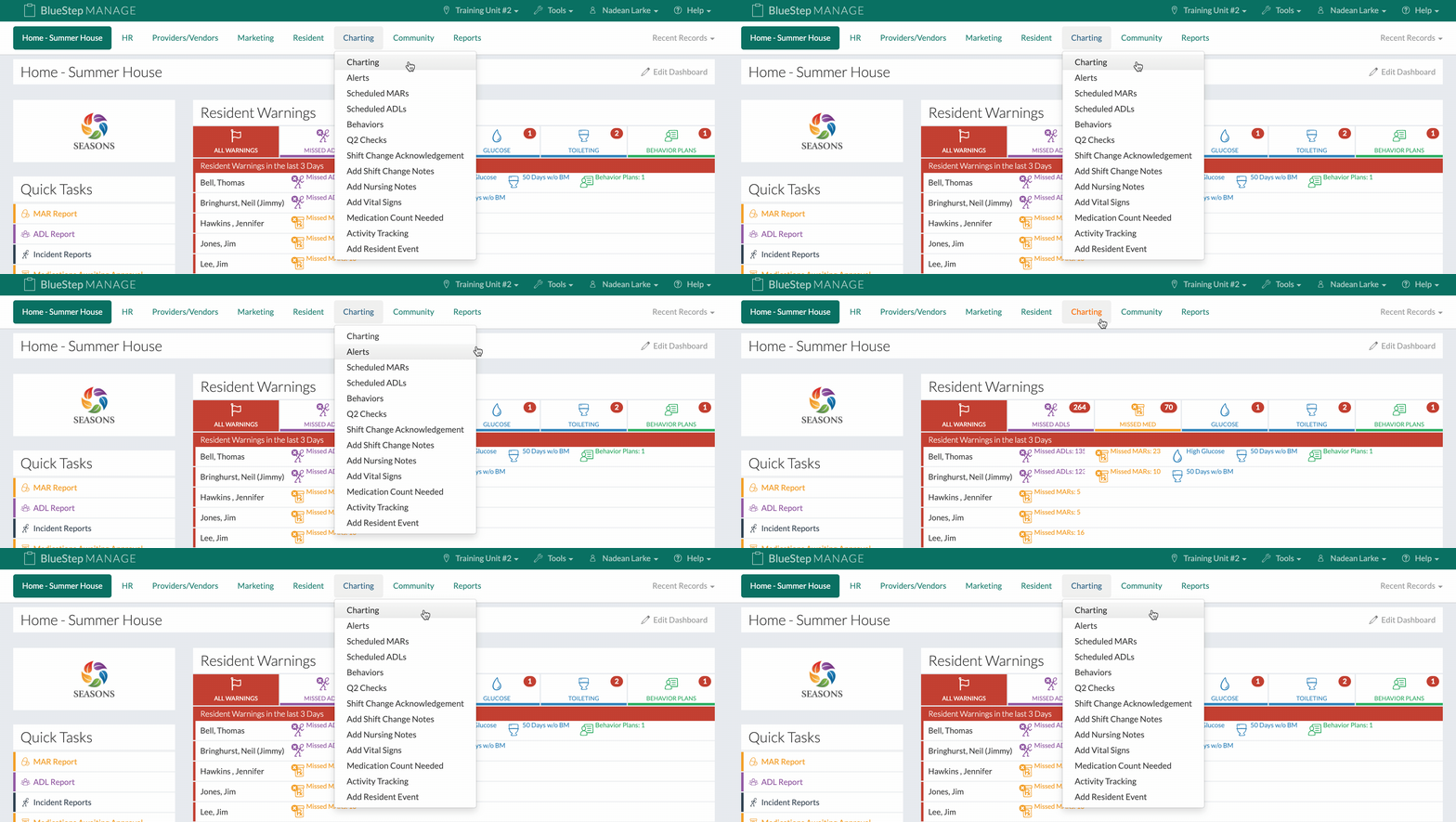
  1. Click on "Charting" under the "Charting" tab.
  2. Click on the "Scheduled MARs" tab.
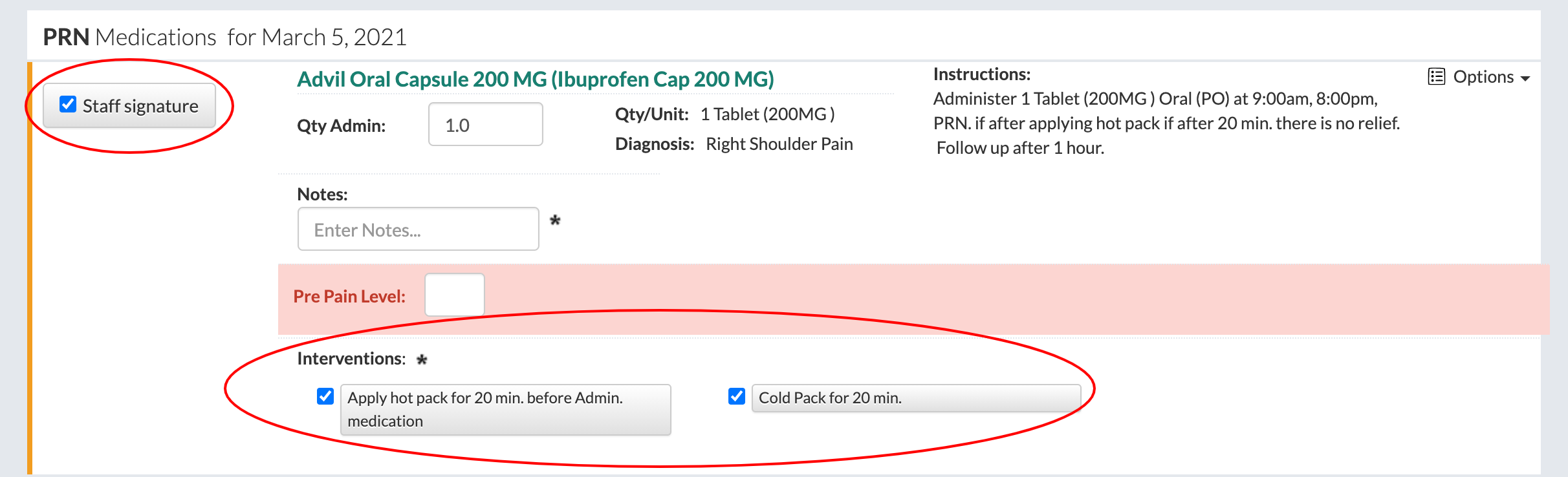
  3. Select a medication with a non-pharmaceutical intervention.
  4. When "Staff Signature" button is selected, the "Interventions" field becomes required. At least one intervention must be selected in order to save, however, multiple interventions can be selected if needed.
  5. Click the "Save" button to finish.

View Non-Pharmaceutical Interventions on the MAR Report
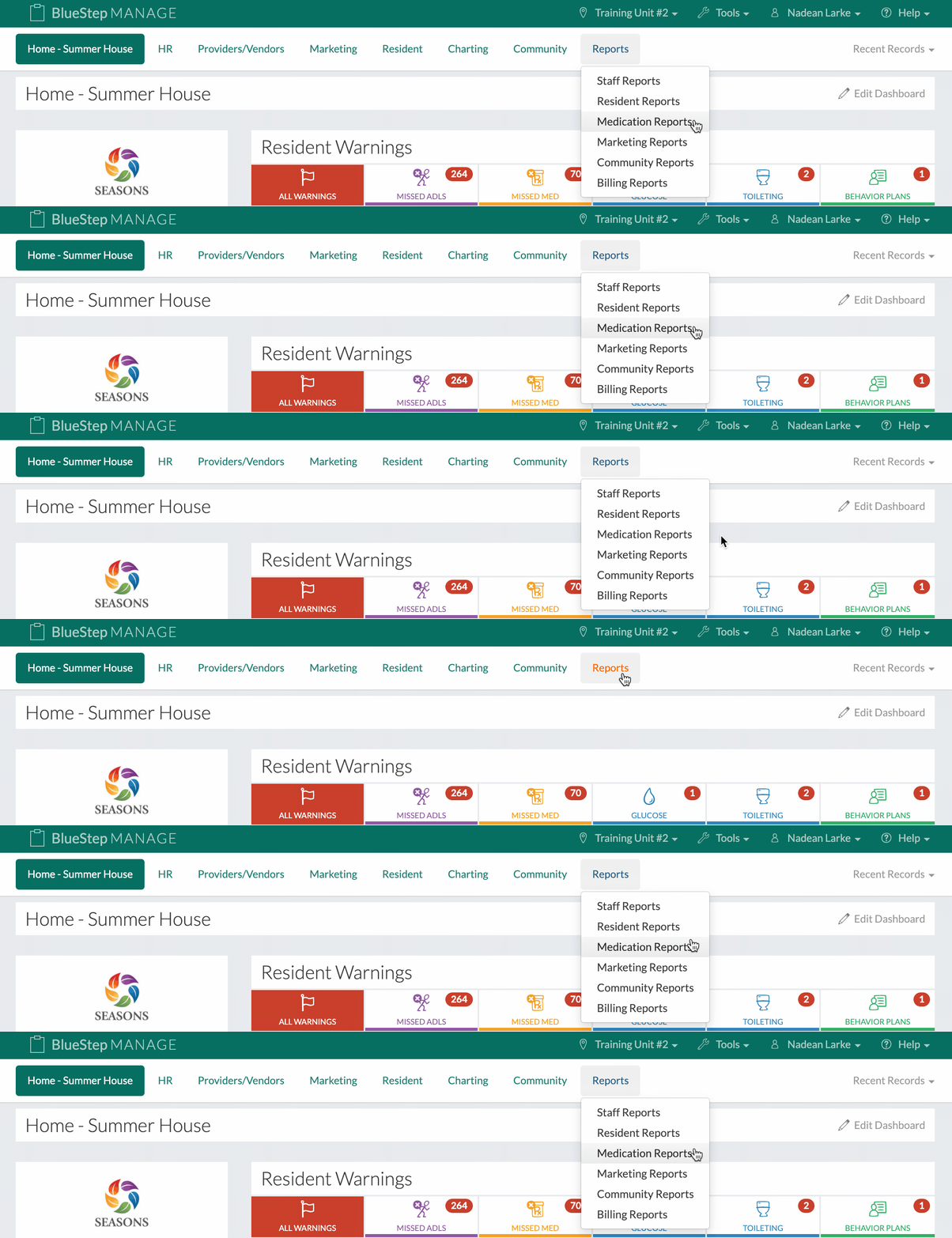
  1. Click on "Medication Reports" under the "Reports" tab.
  2. Click on the "MAR (Search)" link.
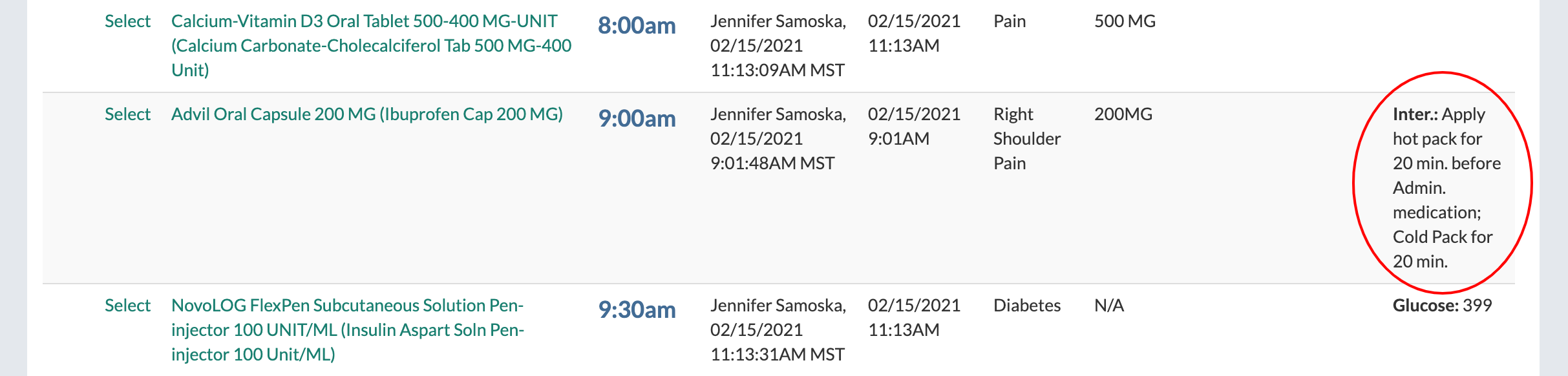
  3. Non-pharmaceutical interventions will be listed under the "Information" column of the report preceded by "Inter.:"